
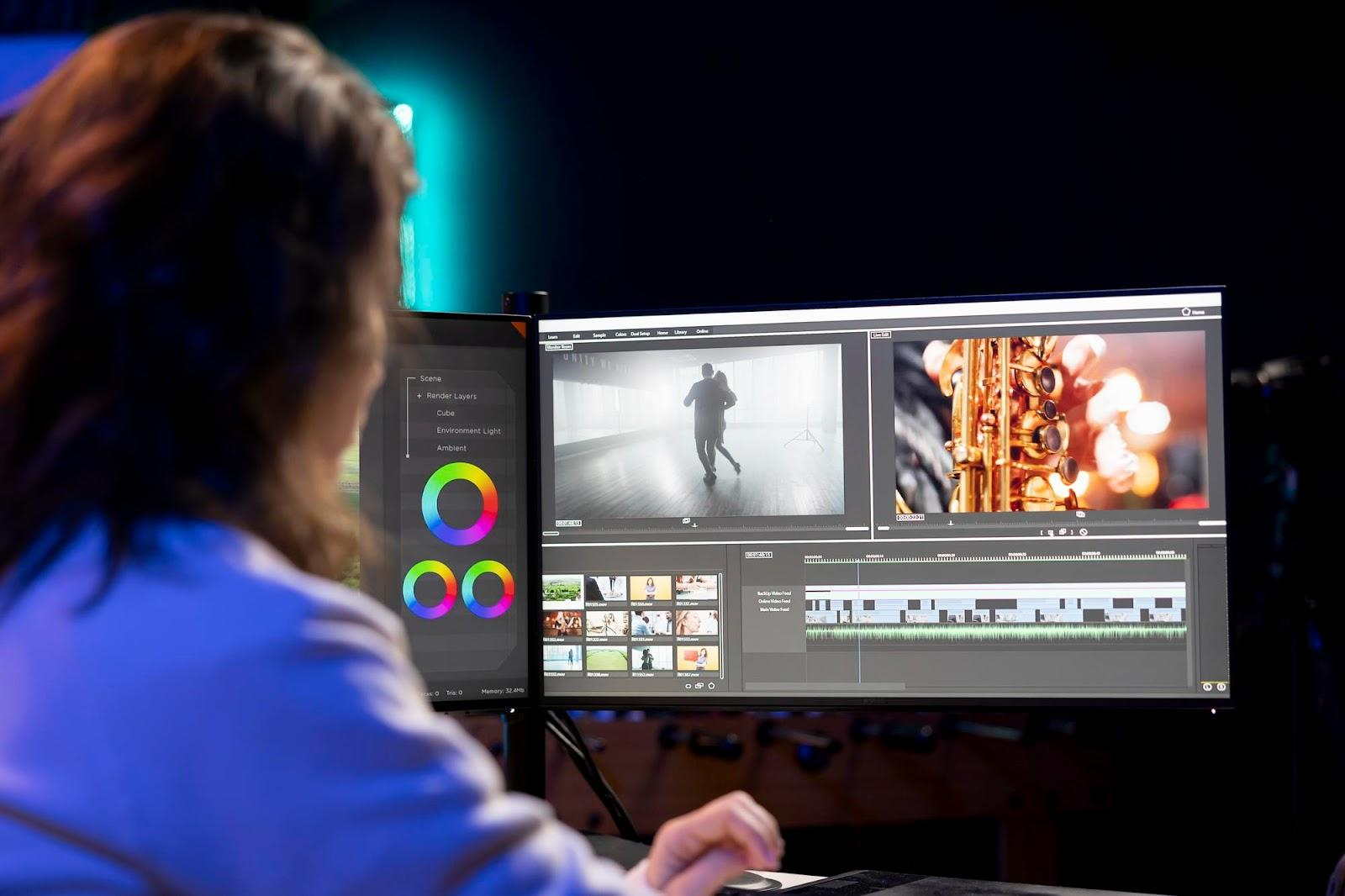
So, you’ve got a bunch of clips sitting on your phone or computer. Maybe it’s footage from a weekend trip, your first attempt at vlogging, or even a work-related tutorial you recorded over Zoom. And now you’re asking yourself: how do I turn this chaos into a proper video? Welcome to the world of video editing for beginners — equal parts thrilling and overwhelming.
Don’t worry. You don’t need a degree in film or thousands of dollars worth of equipment to get started. You just need a clear guide, a bit of patience, and a willingness to hit “undo” a lot at first.
Let’s break down how to edit a video from scratch with beginner-friendly tips, tools, and a few realistic expectations along the way.
How to Edit Videos: Tips for Beginners
Here are some video editing tips for beginners to help you get from “What is even going on here?” to “It’s actually a walk in a park.”
1. Start With a Purpose, Not a Timeline
Before you open any editing software, pause for a second and ask: What is this video for? Are you trying to share a day-in-the-life vlog? A product walkthrough? A short video tour of your workspace? Every type of video serves a different purpose, and knowing that upfront will help you choose the right footage, pacing, and style.
Whether it’s educational, entertaining, or a blend of both, the style of your final cut will reflect the intention you define early on.
2. Gather and Organize Your Footage First
One of the biggest beginner mistakes? Jumping straight into editing without reviewing the materials. You don’t need to organize like a professional studio team, but at least:
- Label your files logically (e.g., “intro.mov,” “b-roll_cafe.mp4”).
- Delete obvious unusable clips (bad quality, shaky scenes, horrible lightning, etc.)
- Group related files into folders, so you can find everything fast while working on your project.
Doing this groundwork upfront will save hours later, especially when you’re editing longer content like a vlog or interview.
3. Pick a Beginner-Friendly Video Editor
Not all tools are the same, and as a beginner, your editing software should do more helping than confusing. Look for features like drag-and-drop timelines, pre-set transitions, and templates for intros/outros.
If you’re unsure where to begin, try using a video editing software for free first — there are plenty of solid options available that won’t cost a dime and still pack a punch. You may even try several options (if you have time for that) before choosing the one that you truly feel comfortable with.
Bonus tip: Make sure your editor can handle your footage format (MP4, MOV, etc.) and that it won’t watermark your final product unless you upgrade.
4. Learn the Basics: Cut, Trim, Split
You don’t need to master color grading or modern motion graphics right away. Start with the basics of cutting, trimming, and rearranging your clips. These three tools will form the foundation of every edit you’ll ever make.
- Cut: Remove sections of video that don’t add value.
- Trim: Shorten a clip to remove pauses or awkward moments.
- Split: Break a clip into two parts to insert B-roll or transitions.
Understanding this trifecta will help you build smooth, focused edits without overwhelming your viewer.
Tip: Never be afraid of cutting off too much footage. If a scene doesn’t serve a purpose (at least an aesthetic one), there’s a high chance you don’t need it in your project.
5. Add B-Roll and Use Transitions Carefully
Ever notice how even a simple video tour feels more dynamic when it cuts between angles or includes close-up shots? That’s the power of B-roll — secondary footage that enhances the main visuals.
If you’re shooting a vlog, for example, don’t hesitate to mix in B-roll of your environment, your gear, or even your pet making a cameo. It keeps the viewer engaged.
As for transitions: use them sparingly. Fades and cross dissolves are classic for a reason. Anything beyond that risks turning your video into a PowerPoint presentation from 2003.
6. Sound Is Half the Story
Even if your visuals are stunning, bad audio can ruin your video. Make sure your voice is clear, your background music isn’t overwhelming, and any sound effects make sense in context. Most editors allow you to adjust volume levels separately for voice, music, and ambient noise. Use this to your advantage.
Don’t forget to fade audio in and out between scenes to avoid jarring sound cuts.
7. Add Text, But Don’t Overdo It
Titles, subtitles, and captions can help viewers follow your video, especially if it’s fast-paced or educational. But don’t go overboard. Keep text concise, readable, and consistent in font and placement.
You can even use text to highlight a key moment, break your video into chapters, or include a quick call to action like “Subscribe” or “Watch Part 2.”
8. Experiment With Styles and Have Fun
Here’s something most editing guides won’t tell you: it’s okay to experiment. Try different styles: cinematic, casual, playful. Try weird transitions. Add a voiceover just for fun. Not everything will work, but that’s the point.
Editing is a creative process. The more you explore, the more confident you’ll become.
9. Watch Tutorials (and Your Own Videos)
Want to know how to learn video editing faster? Watch tutorials, but also, rewatch your own content. Not just to admire your work (though yes, go ahead!), but to spot what worked, what didn’t, and what could be improved next time.
There’s no better guide to improvement than your past projects.
Final Thoughts
Starting from zero with video editing can feel a bit like staring at a blank canvas. But once you understand the tools, the process becomes surprisingly intuitive and fun. Whether you’re cutting your first vlog, building a product video, or splicing together a family trip, you’ve already taken the hardest step: starting.
Remember, nobody’s first edit is perfect. But every project teaches you something valuable. With these beginner-friendly tips, you’re on your way to creating content that looks good, sounds great, and tells the story you actually want to share.